6 Framer Plugins I Actually Use in Real Projects in 2026
•
6 mins read
by Mark Sagang
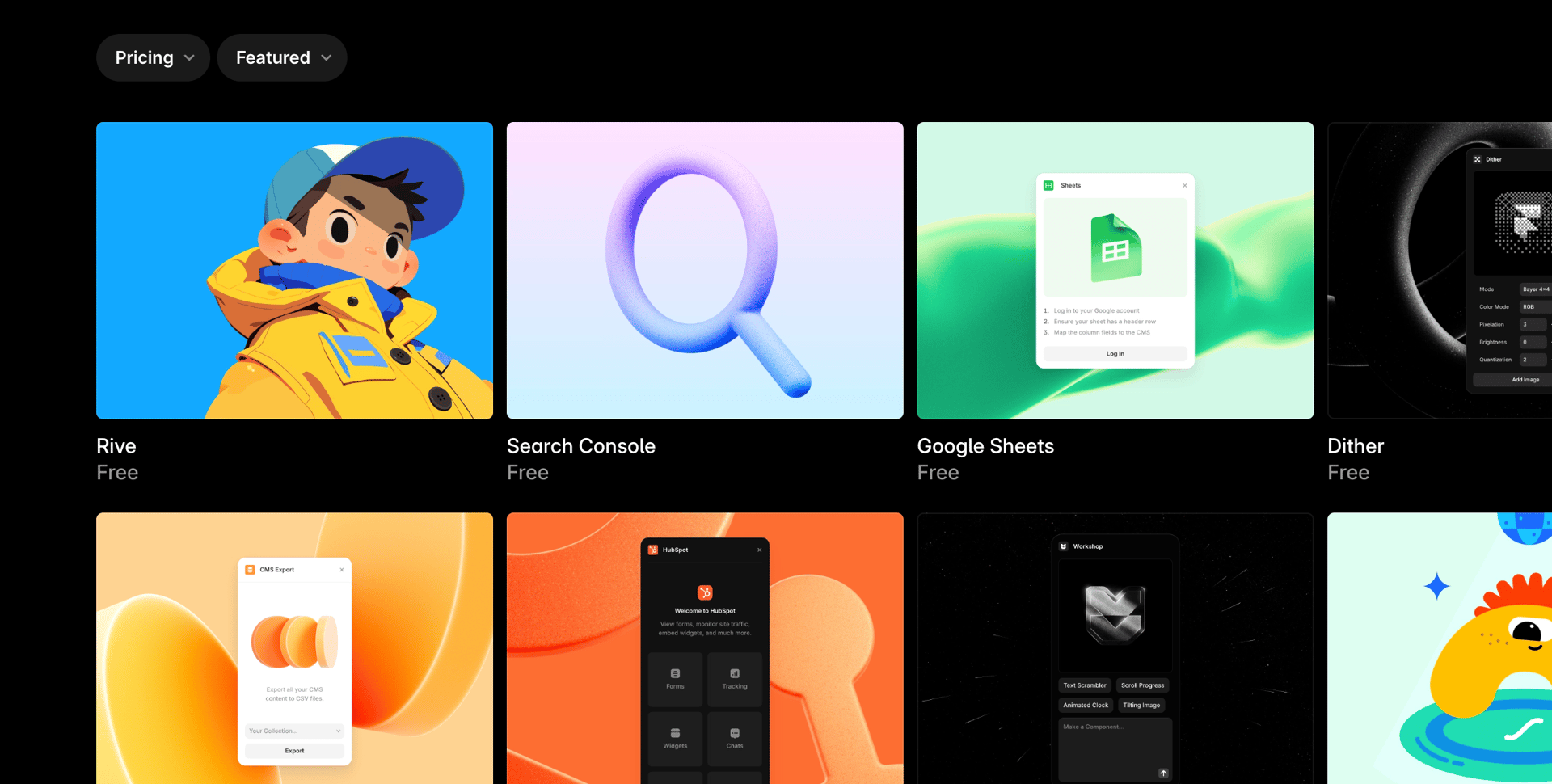
There are a lot of Framer plugins in the marketplace, but most of them never make it into my actual workflow. I might test them once, think they’re interesting, then move on. The ones in this list are different. These are the plugins I keep coming back to in real client projects and personal builds because they solve a specific problem quickly.
This is not a generic “best plugins” roundup. It’s a personal ranking based on what I use in practice as a Framer designer and developer. Some of these are simple utility plugins, some save a surprising amount of time, and one of them has become a core part of how I work inside Framer.
My Framer plugins ranking, from useful to essential
6. CMS Export
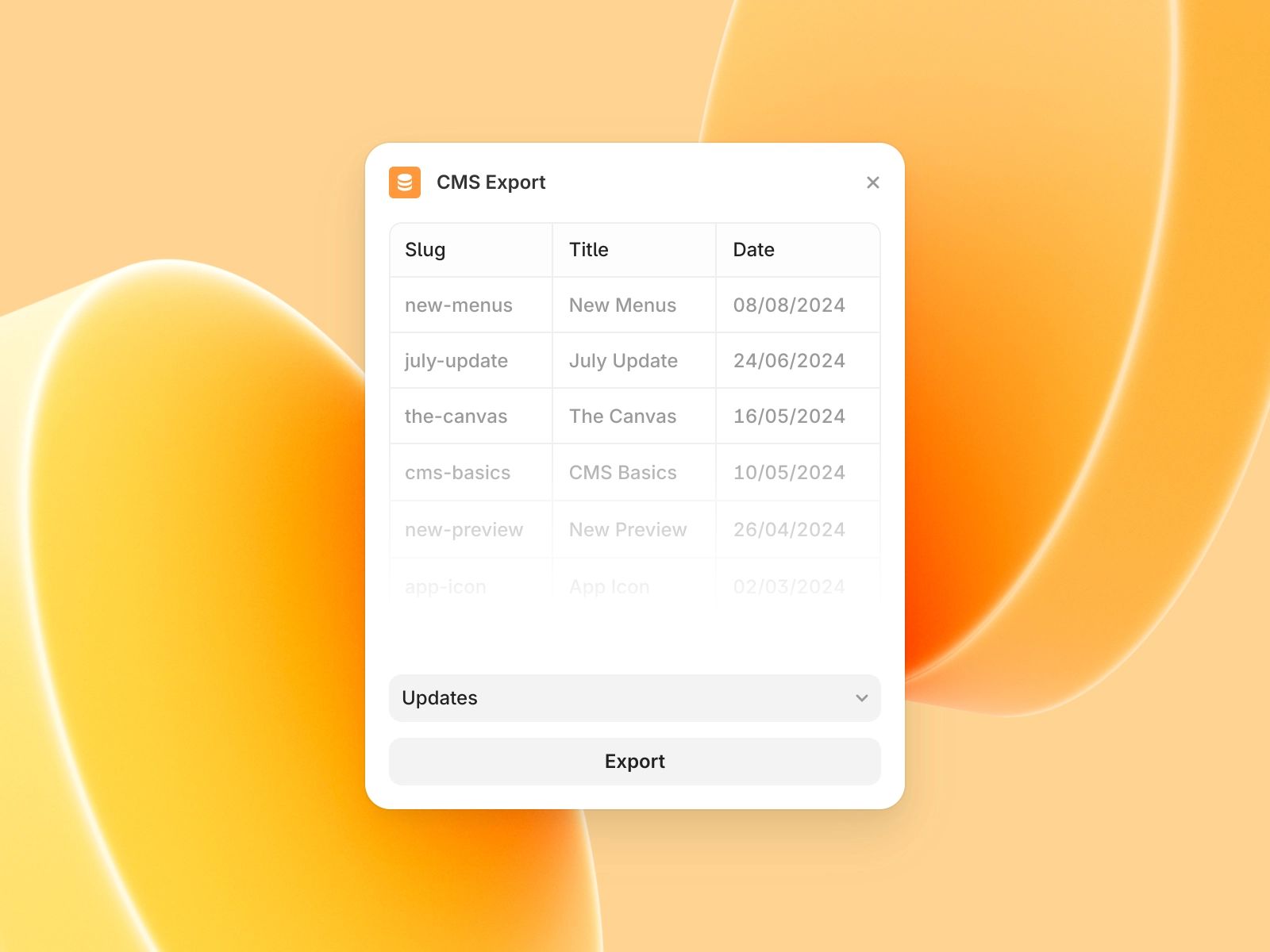
CMS Export is one of those plugins you do not think about much until you actually need it. Then it becomes incredibly useful.
The main reason I keep it around is simple: exporting collections from Framer saves time when I need a backup, want to move content between projects, or need to work with collection data outside the platform. That matters more in real projects than people think, especially once content starts piling up or a client setup gets more complex.
It is not the most exciting plugin in this list, but it is practical. For migrations, backups, and general CMS handling, it does the job cleanly. That alone earns it a place here.
5. Unsplash and Pexels
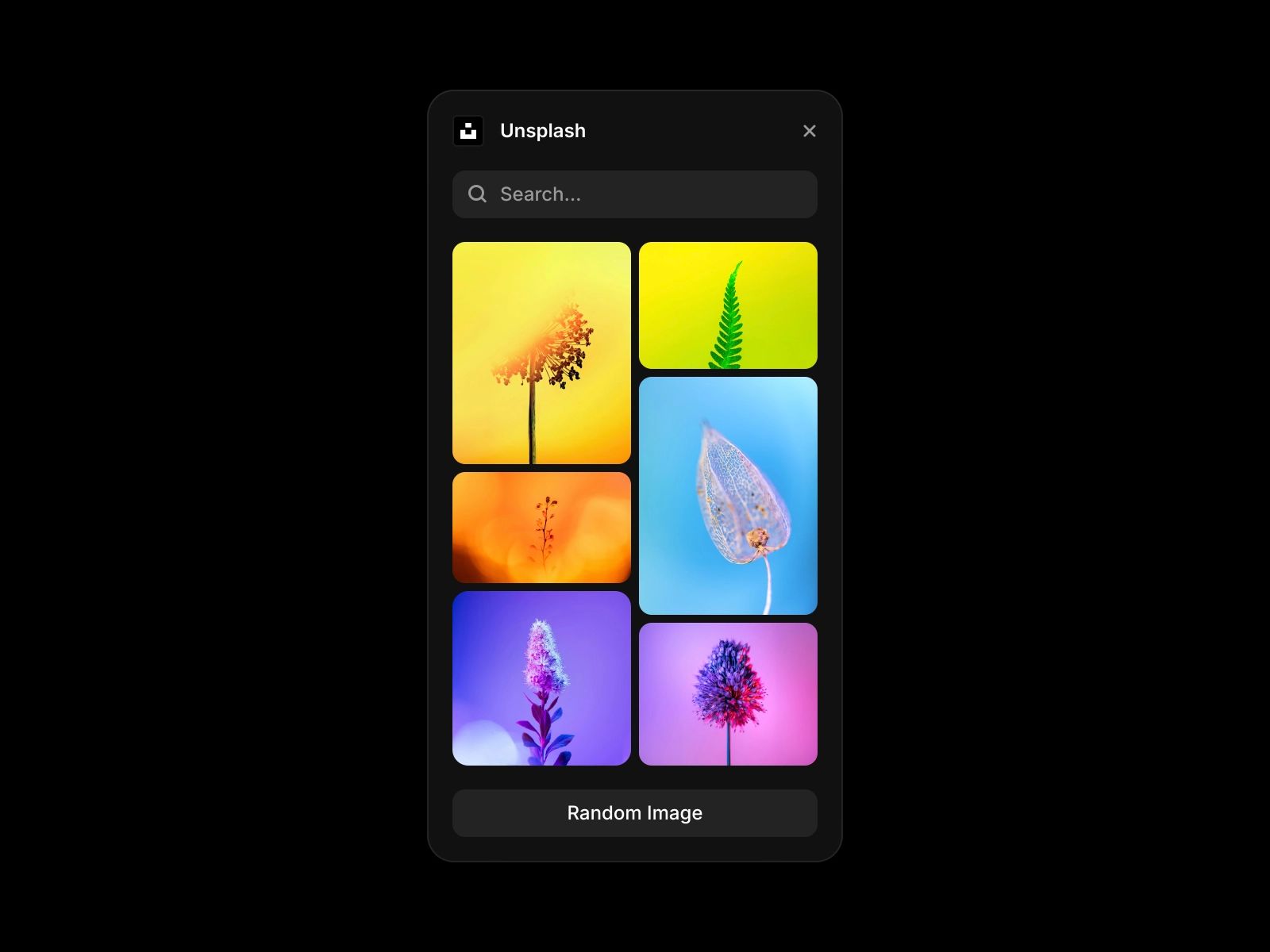
I’m grouping Unsplash and Pexels together because they solve the same problem: getting solid stock images into a Framer project without breaking momentum.
This is a small workflow upgrade that makes a big difference. Instead of leaving Framer, opening another tab, searching on stock websites manually, downloading an image, then bringing it back into the editor, I can just open the plugin and search right there. That keeps me in the flow, which matters a lot when I’m designing quickly.
I would not call these plugins revolutionary, but they are genuinely useful. For landing pages, placeholders, mood-setting visuals, and quick mockups, they make the process smoother. If you work fast and do not want your attention split across five tabs, having both available inside Framer is a win.
4. Workshop
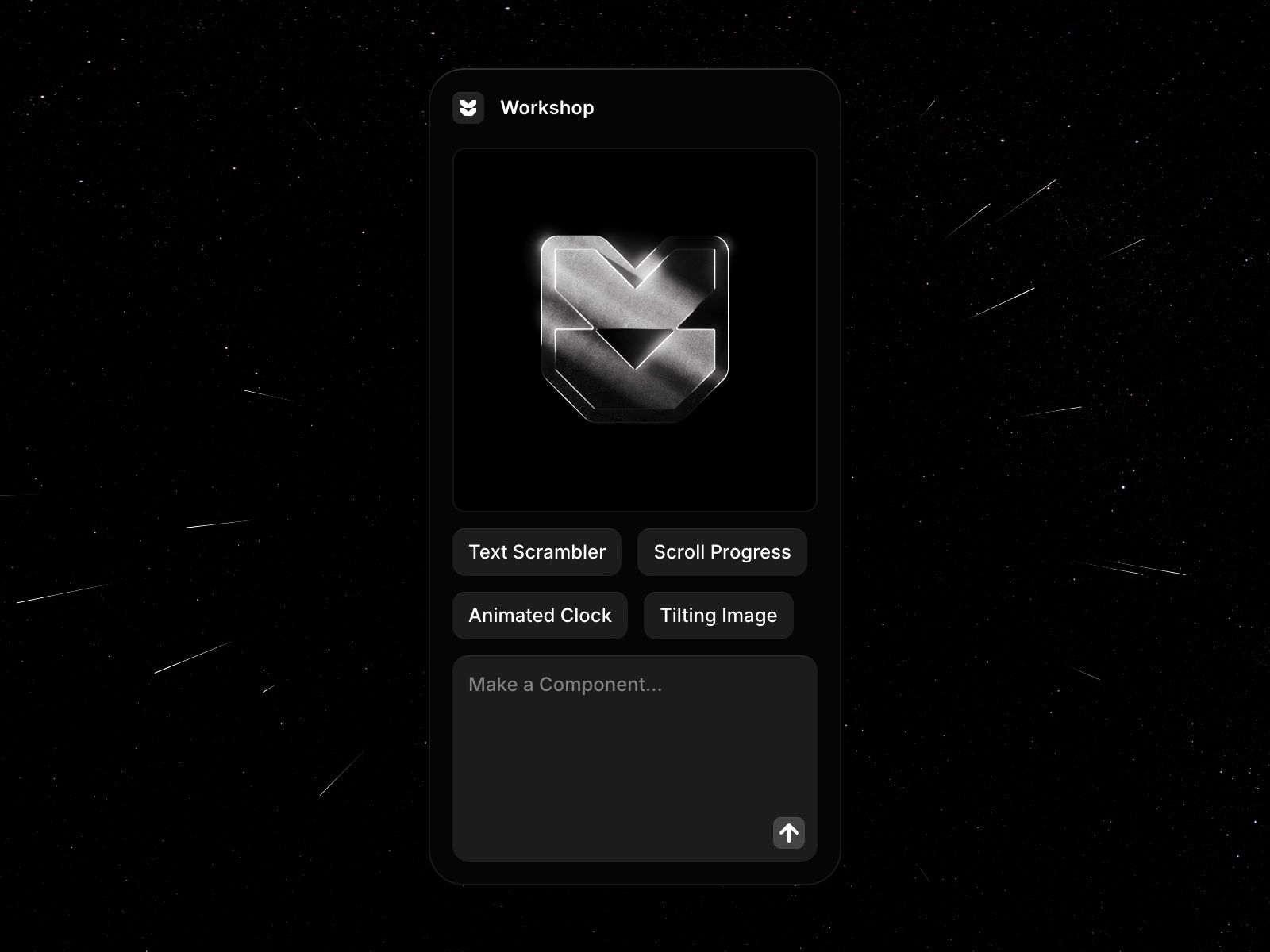
Workshop is one of the more interesting plugins in Framer because it can generate components from prompts. In the right situation, it is genuinely helpful.
Where I find it most useful is in creating quick graphics, utility components, or visual ideas that would be annoying to build manually in native Framer. It is especially handy when I want to test an idea fast or create something that feels more custom without starting from zero.
That said, I would not blindly trust it for large-scale or more complex animation work. If you do not understand how the animation should behave under the hood, it can become hard to control or refine properly. So for me, Workshop is best when used as a fast component maker for focused tasks, not as a replacement for understanding how motion and structure should actually work.
3. Advanced Style Generator
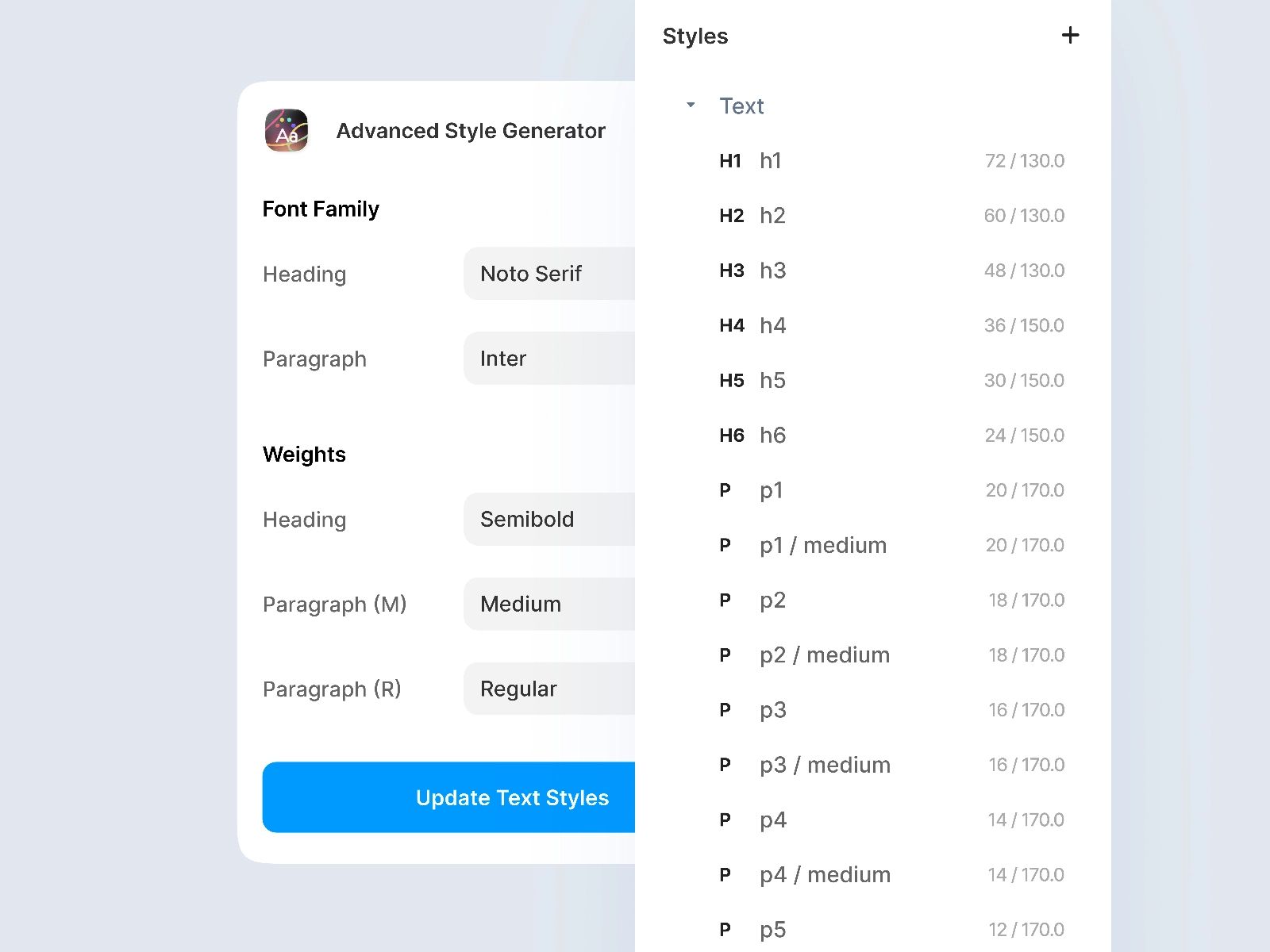
Advanced Style Generator is one of those plugins that feels boring until you use it on a real project. Then you realize how much setup time it can save.
What I like about it is that it gives me a faster way to build out a style system, especially for typography and color styles. That matters when I want a cleaner starting point and do not want to manually create everything one by one. It is particularly useful when I’m setting up a new project, tightening a design system, or trying to move faster without making the styling messy.
I would not say it replaces design judgment. You still need to know what kind of visual system you want. But once you do, this plugin helps you get there faster. For beginners, it can help structure styles more consistently. For freelancers and working designers, it cuts down repetitive setup work.
2. Image Downloader
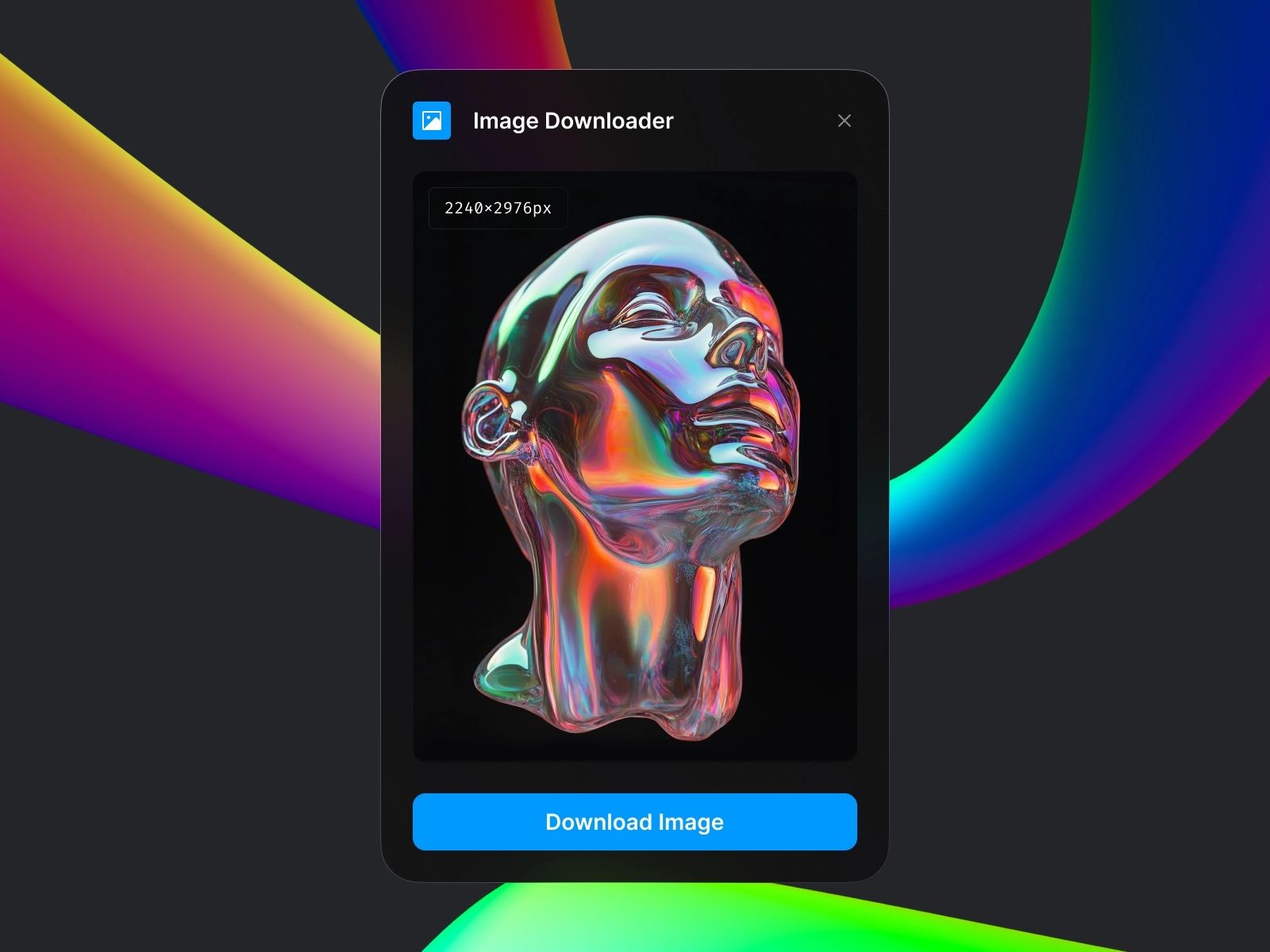
Image Downloader is a very simple plugin, but I use it more than people might expect.
The reason is tied to how fast I work. When I’m iterating quickly, especially across client projects and experiments, I do not always remember exactly where an image came from or where I stored the original file. That becomes annoying later when I need the original asset again. With Image Downloader, I can just select the image and download it directly.
What makes it genuinely useful is convenience. I do not have to dig through folders or retrace my steps. It is a small plugin, but it solves a real workflow problem. For me, that makes it much more valuable than a plugin that sounds impressive but rarely gets used.
1. MCP
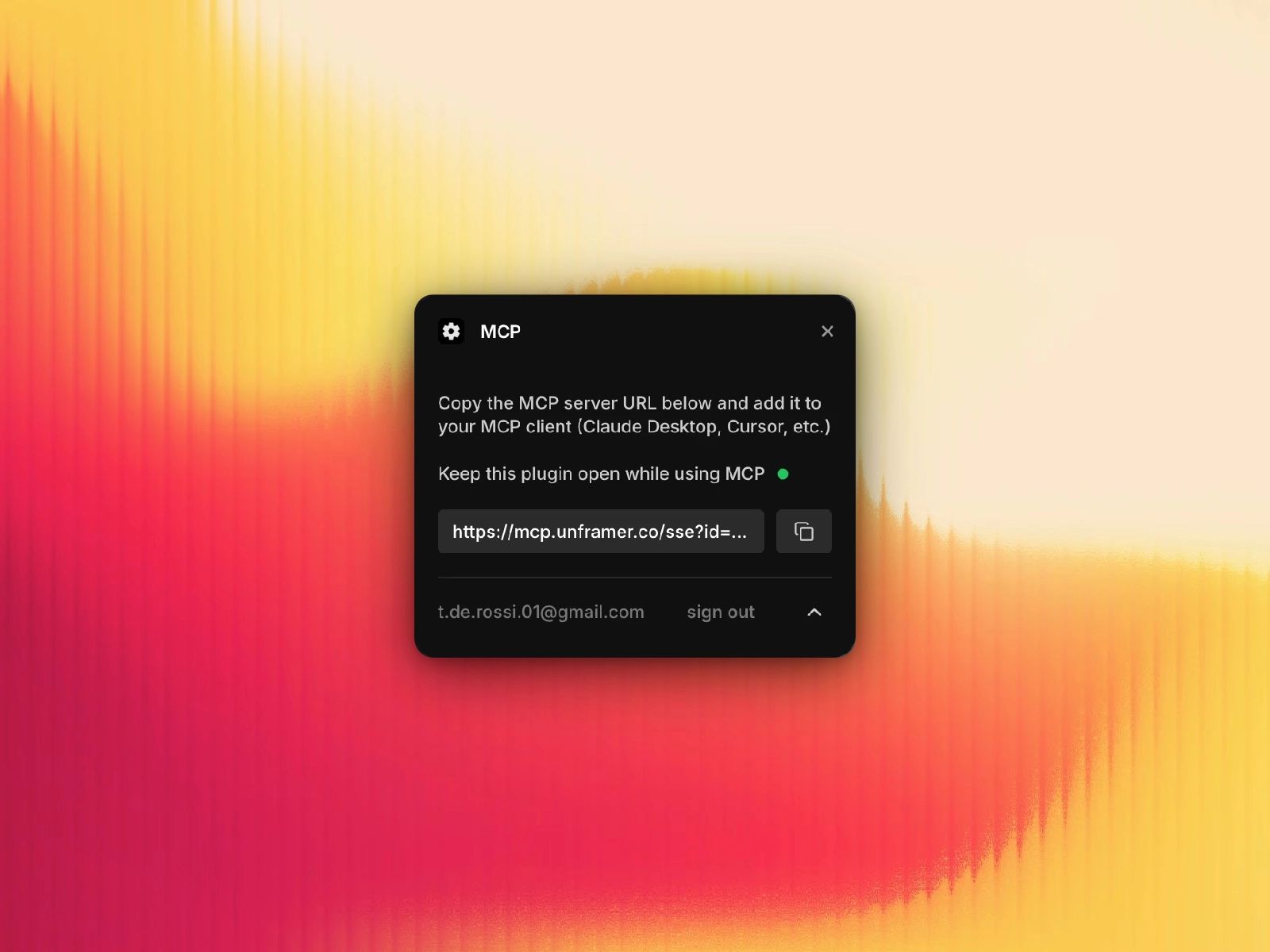
MCP is the most useful Framer plugin in my workflow, easily.
If I had to keep only one plugin from this list, this would be the one. The reason is straightforward: it makes AI actually useful inside Framer in a way that supports real work, especially when it comes to content. I use it a lot for editing content, implementing content, updating CMS entries, and generally handling the text side of a project faster.
This is where MCP becomes an S-tier plugin for me. It is not just a novelty. It helps with the kind of tasks that come up all the time in actual production work, especially when a site has a lot of CMS content or needs frequent copy updates.
At the same time, I do not trust it with layout decisions. I would not rely on MCP to move things around, redesign a page structure, or shift responsive layouts on its own. In my experience, that is where things can start breaking. It is not intelligent enough yet to reliably make design and layout changes without risk, especially on responsive setups.
So my rule with MCP is simple: I trust it for content, not layout. Used that way, it is incredibly good. Used carelessly, it can create cleanup work. But even with that limitation, it is still my top plugin because the upside is so strong in day-to-day use.
Which Framer plugins are actually worth using?
For me, the best Framer plugins are not the flashiest ones. They are the ones that remove friction from real work.
CMS Export helps when I need portability and backups. Unsplash and Pexels keep image sourcing inside the editor. Workshop helps with fast component generation when used carefully. Advanced Style Generator speeds up style system setup. Image Downloader solves a small but annoying asset problem. MCP stands above all of them because it directly improves how I handle content inside Framer.
That is really the filter I use now: does this plugin save time in real projects, or does it just look clever in the marketplace? The plugins on this list have earned their place because I actually use them.
Let's get started
Your brand deserves more than a template. Let's create a custom digital experience that speaks to your audience.