Prevent Double Form Submissions and Redirect to a Thank You Page
•
2 minutes read
by Mark Sagang
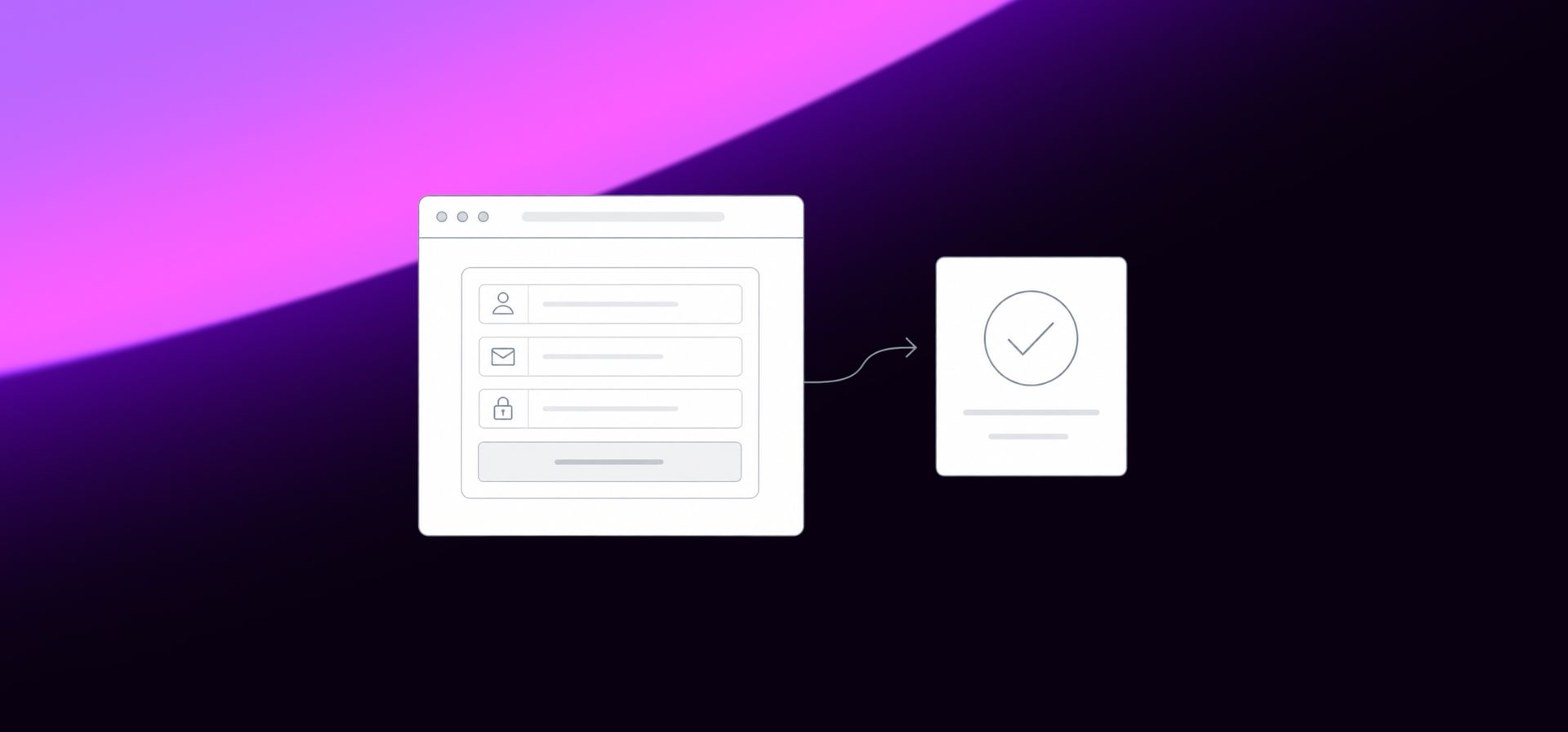
When a form takes a second or two to redirect after submission, users may click the submit button multiple times. This can accidentally register duplicate submissions.
A simple fix is to temporarily disable the submit button after the first click. You can also change the button text to show that the form is being processed.
Step 1: Add an ID to the submit button
Make sure your submit button has an ID and the type is set to submit.
<button id="submit-button" type="submit">Submit</button>
Step 2: Add the button lock script
This script disables the button for 2 seconds, fades it to 0.6 opacity, changes the text to Sending..., then resets it if the page does not redirect.
<script>
document.addEventListener("DOMContentLoaded", function () {
  const submitButton = document.getElementById("submit-button");
  if (!submitButton) return;
  let isLocked = false;
  const originalText = submitButton.textContent;
  submitButton.addEventListener("click", function (event) {
    if (isLocked) {
      event.preventDefault();
      event.stopImmediatePropagation();
      return false;
    }
    isLocked = true;
    submitButton.textContent = "Sending...";
    submitButton.style.opacity = "0.6";
    submitButton.style.pointerEvents = "none";
    submitButton.style.cursor = "not-allowed";
    submitButton.setAttribute("aria-disabled", "true");
    setTimeout(function () {
      submitButton.disabled = true;
    }, 0);
    setTimeout(function () {
      isLocked = false;
      submitButton.disabled = false;
      submitButton.textContent = originalText;
      submitButton.style.opacity = "";
      submitButton.style.pointerEvents = "";
      submitButton.style.cursor = "";
      submitButton.removeAttribute("aria-disabled");
    }, 2000);
  }, true);
});
</script>
Step 3: Add a redirect script to the success message
If your form tool allows you to customize the success message, you can add this inside the success message area:
<script>
  location.href = '/thank-you'
</script>
This redirects users to the thank-you page after the form successfully submits.
Important: only add the redirect script inside the form success message or success state. If you place it directly on the main page, the page will redirect immediately before the user even submits the form.
Final Result
The user clicks submit once, the button changes to Sending..., the button becomes temporarily disabled, and once the form succeeds, the user is redirected to the thank-you page. This helps prevent accidental duplicate submissions while still allowing the user to try again if there is an error.
Let's get started
Your brand deserves more than a template. Let's create a custom digital experience that speaks to your audience.